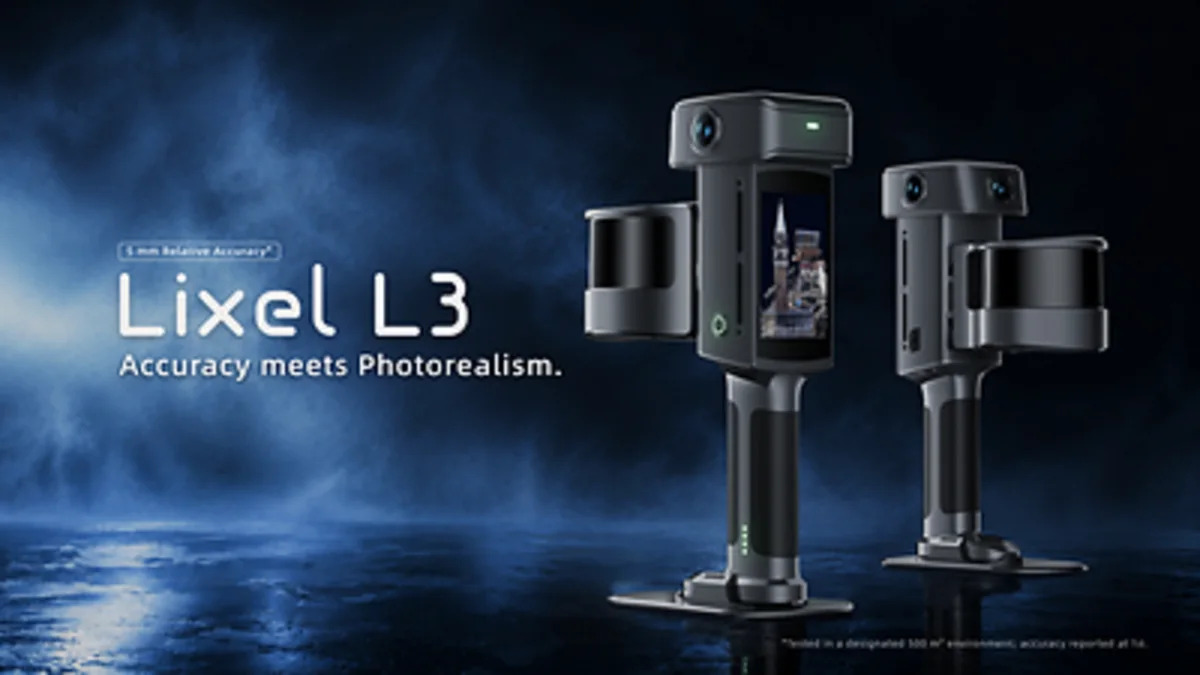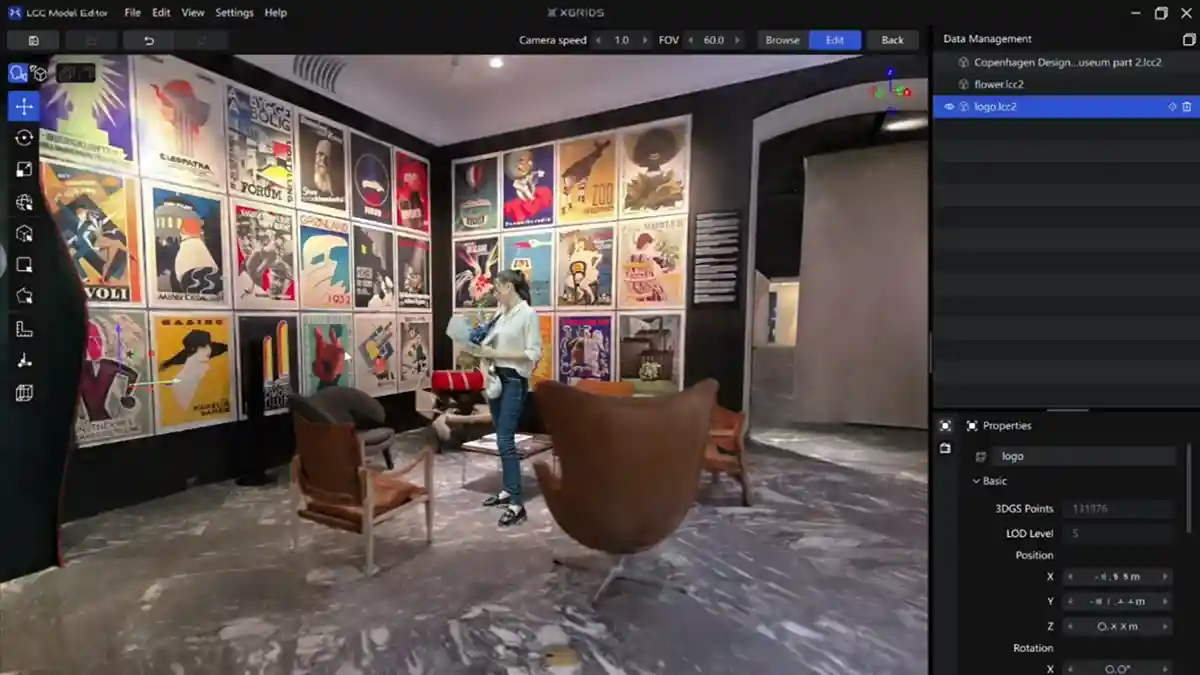
XGRIDS, the company behind the Lixel handheld scanners and the PortalCam, has released a free phone app called LCC Scan that captures a person, object or room as an interactive 3D scene. According to Camera Jabber's report, you walk around the subject for about a minute, the app reconstructs it on the device with no cloud upload, and you can export the result as a PLY or LCC2 file. There are three capture modes (Portrait, Object, Free) and two processing settings (Fast, High Quality). The app is free on the App Store and Google Play. That is the news. The rest of this post is about what it means if you commission or deliver documentation in Singapore, and why "3d scanning singapore" as a search term now covers two very different things.
Why it matters for building and site documentation work in Singapore
Most of the documentation work we do starts with a question a client has already half-answered: do we need a proper scan, or will photographs do? For years the honest answer was that photographs plus a measured survey covered the visual record, and a laser scan covered anything that had to be dimensionally true. A free app that produces a navigable 3D scene from a phone sits in the gap between those two, and it will get used whether or not anyone plans for it.
That is fine, as long as everyone in the chain knows which side of the line the output sits on. The risk is not the app. The risk is a site supervisor capturing a plant room on a phone, sending the link to a consultant, and the consultant treating it as a survey.
Singapore's documentation chain is unusually unforgiving on this point. A CORENET X submission, an as-built drawing set handed to a facilities team, a Scan-to-BIM model used for coordination: each of these has a downstream consumer who will assume the geometry is true unless told otherwise. A phone capture carries no statement of accuracy, no control, no registration report. It looks convincing and it proves nothing.
What it changes in practice, and what it does not change
What it genuinely helps with
- Condition records before works start. A quick walk around a unit, a shopfront or a common area before a fit-out begins. If a dispute arises later about what was there, a dated 3D scene is far better than a folder of phone photos.
- Objects and equipment. The Object mode is aimed at figures and handmade pieces, but the same approach works for a piece of plant before it is removed or replaced, or a heritage item before conservation work.
- Heritage and interiors where nobody will measure. A grandparent's living room, a sculpture, a period interior. The report's own examples lean domestic, and that is the right instinct: capture what matters visually, cheaply, before it changes.
- Privacy-sensitive sites. On-device processing with no cloud upload matters where photographs of a client's premises, a data hall or a plant room should not leave the phone.
What it does not change
| Requirement | Phone app | Survey-grade scan |
|---|---|---|
| Stated accuracy with conditions | None given | Stated per equipment, range and registration method |
| Registered point cloud with control | No | Yes |
| Ties to site or grid coordinates | No | Yes |
| Deliverable for a QP or authority submission | No | Yes, as part of a measured survey |
| Scan-to-BIM input | Not reliably | Yes |
| Visual record, fast and free | Yes | Yes, at a cost |
The table is the whole argument. A phone capture is a picture you can walk around. A laser scan is a measurement you can defend. The two are not on the same scale and should not be compared on price alone.
The accuracy question
We will not put a millimetre figure on phone capture, and neither should anyone quoting the app. The report gives no accuracy claim, and any figure would depend on lighting, surface texture, how steadily you walk, how the software stitches frames and what device you use. If you want to know what your phone can do on your site, test it: capture a room, measure two known points with a tape, compare. That test takes ten minutes and tells you more than any spec sheet.
The same discipline applies to our own equipment. When we quote an accuracy figure for a Lixel K2 or a Leica BLK360 G2, it comes with the conditions it holds under: the equipment, the range, the registration method. A number without conditions is marketing.
Our view: the trade-offs, the open questions, and who should care
The trade-off is simple. Phone capture is free, fast and needs no training. It also gives you no accuracy statement, no control, no registration report and no path to a submission. For a visual record, that is a good trade. For anything that becomes a drawing, a model or a contractual record, it is a bad one.
The open questions are worth naming. First, what happens to the PLY files six months later? A PLY is a portable format, which is good, but it is not a document management system. If your organisation captures dozens of scenes, someone has to decide where they live, how they are named and who can find them. Second, what is the file size and does it open in the software your consultants actually use? A PLY from a phone is not the same as a registered point cloud, and some viewers will struggle. Third, who in your organisation is allowed to capture, and what are they told to do with the result? Without that, you get a scatter of links and no record.
Who should care: facility managers who currently rely on photo folders for condition records; heritage and conservation teams capturing interiors that will change; contractors who want a cheap pre-works record; and anyone who has been quoted for a full scan and is wondering whether they need one. The last group is the one most likely to be misled, in both directions.
What to do next
If your need is a visual record, try the app. It is free, and the PLY export means you are not locked in. Capture a room you know well, export it, open it, and see whether it does what you need. If it does, you have saved a scan.
If your need is a drawing, a model, a digital twin or anything that goes to a consultant, a contractor or an authority, talk to us about 3D laser scanning or Scan-to-BIM. We will tell you what accuracy the deliverable needs and what it costs to get there. If the honest answer is that a phone capture plus a tape measure covers it, we will say so.
If you want to produce your own outputs on your own site, our equipment rental line covers the Lixel K2, K1 and L2 Pro, PortalCam, Matterport Pro3 and Leica BLK360 G2. You capture, you process, you deliver. We do not do the capture for you on that line. If you want us to capture and deliver, that is a service engagement: request a quote.
One last point on the wider trend. Phone capture and Gaussian splatting are moving fast, and the gap between a free app and a professional scanner is narrowing at the visual end. It is not narrowing at the dimensional end, because that gap is about control, registration and a stated accuracy, not about how good the picture looks. Read our earlier post on Gaussian splats vs textured meshes if you want the longer version of that argument.